Duplicate photos
Exact copies hiding in different folders, found by content — not by file name.
Photo Cleaner
Android · free · no account
Your phone says it's full. Your camera roll is 20,000 photos deep. You don't want to delete the memories — you want the storage back.
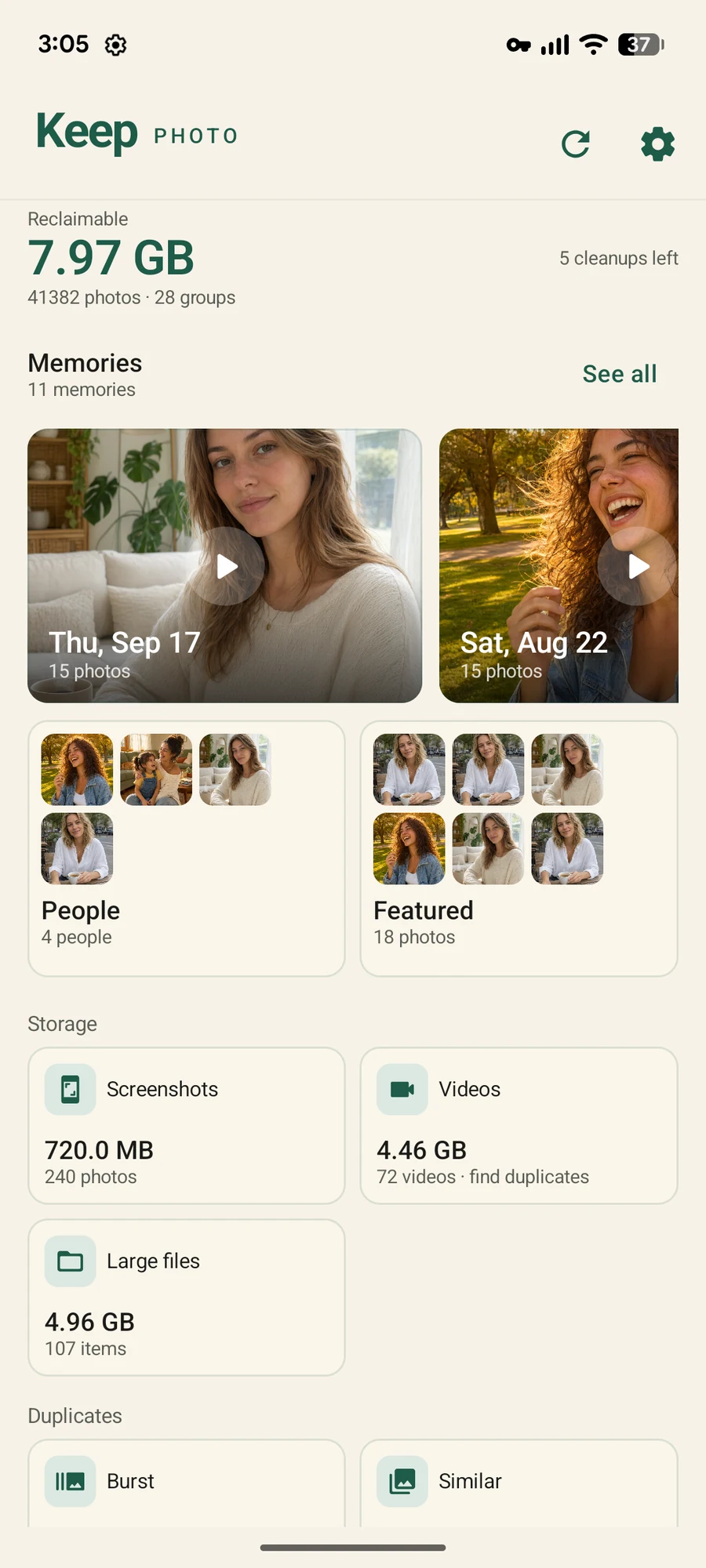
34 seconds
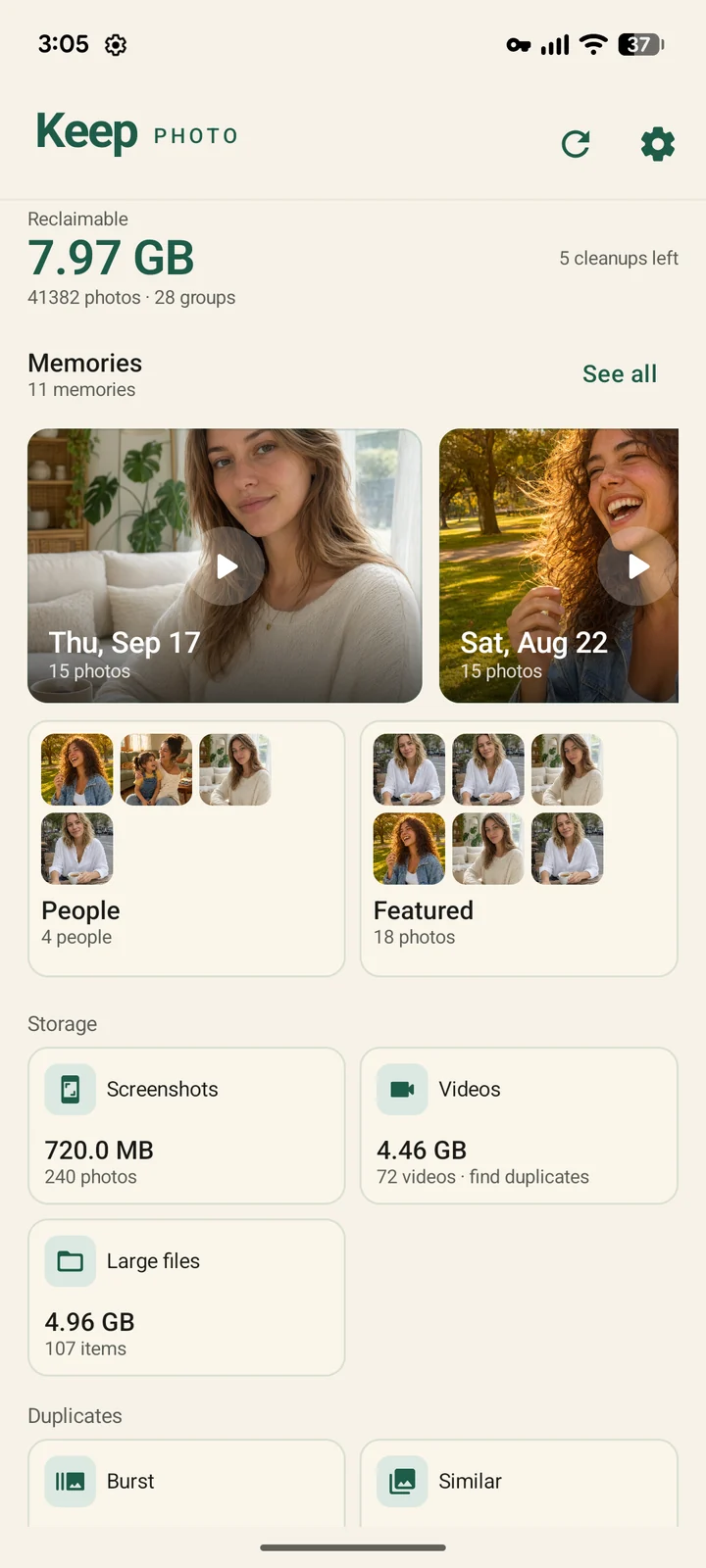
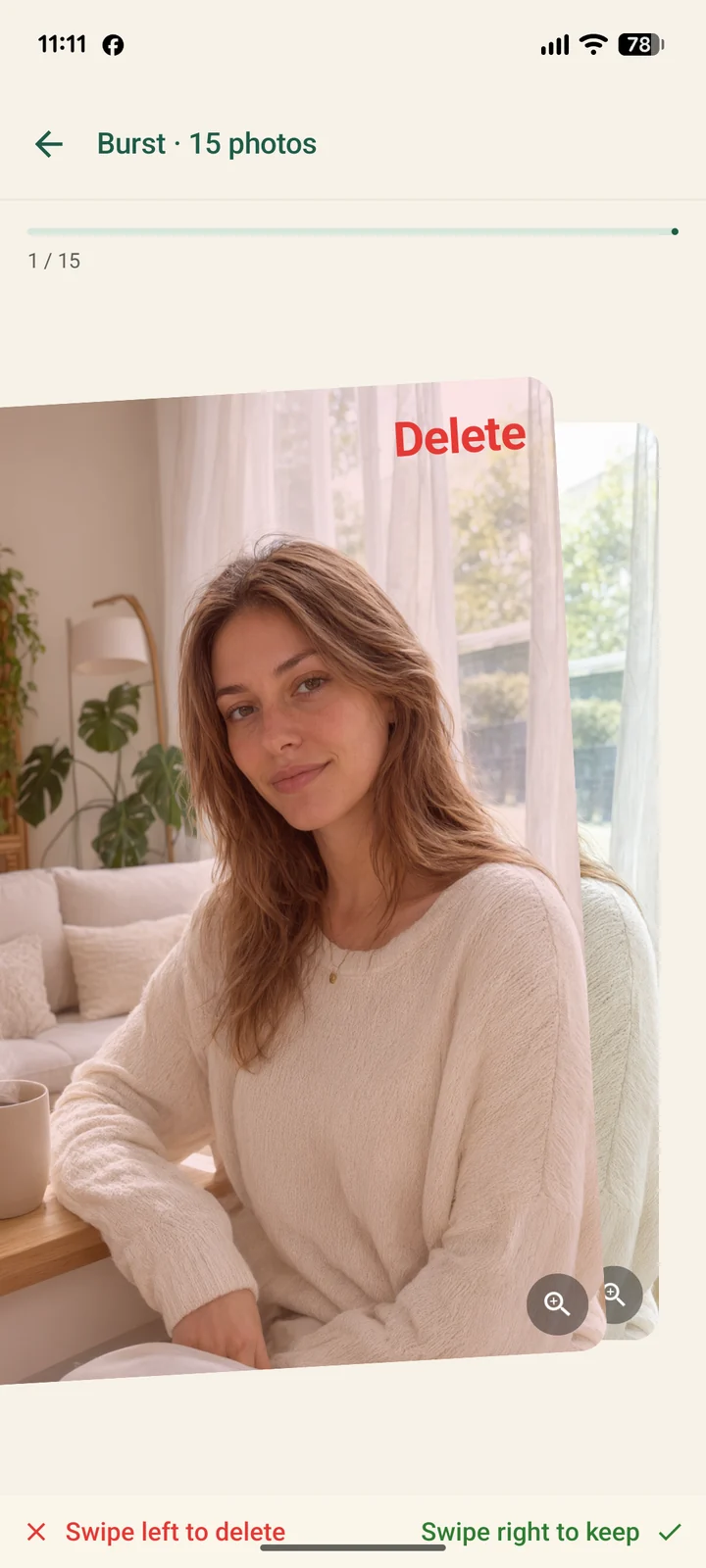
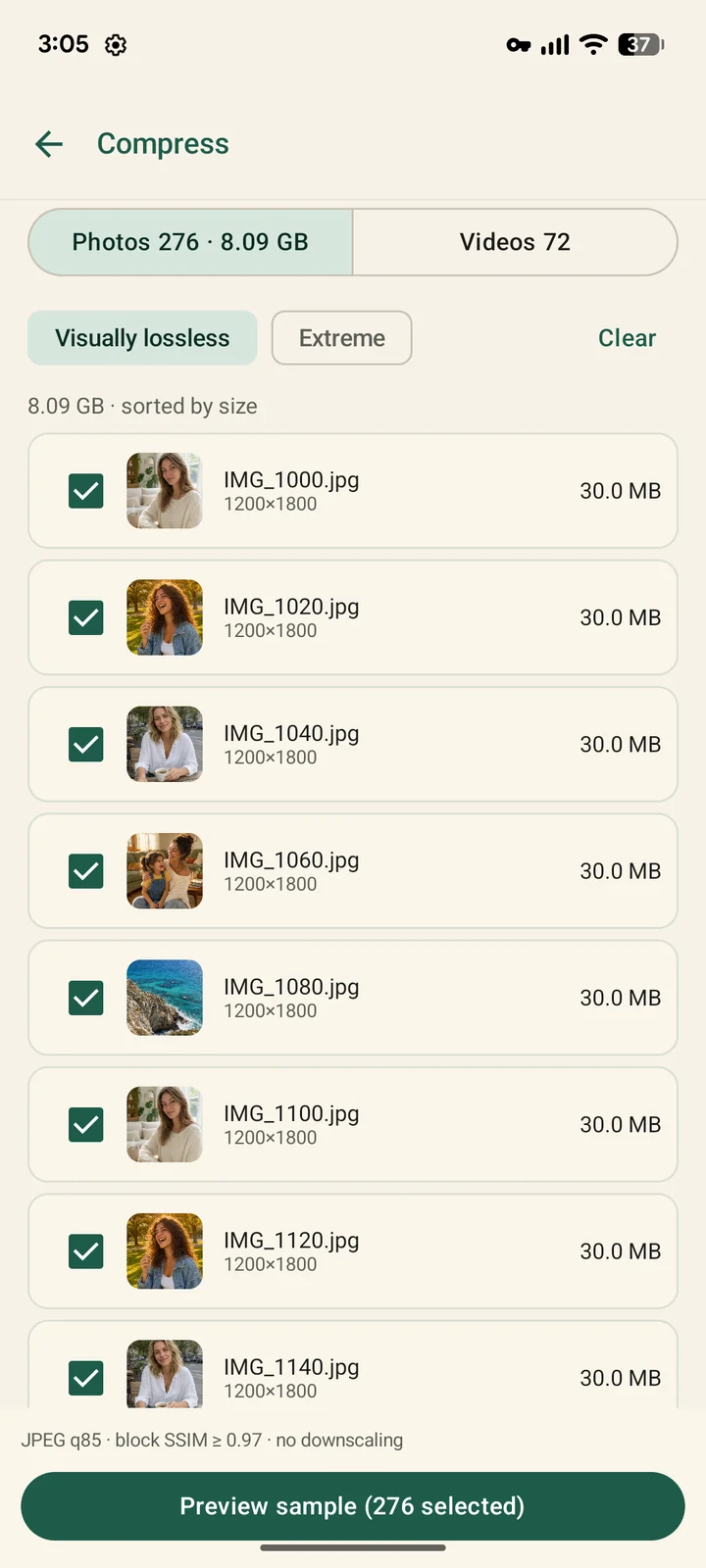
Real screens from the app — scanning, swiping, compressing, and the memories you get back.
The app
No progress bars that lie, no scary red warnings. Just your photos, grouped and ready to review.

What it does
Keep Photo finds what's safe to let go of — and then helps you actually enjoy what's left.
Exact copies hiding in different folders, found by content — not by file name.
The same shot saved twice, resized or re-exported. Grouped so you can pick one.
Swipe through a burst and keep the best frame — the sharpest, with eyes open first.
Grouped by month, cleared in one go. The biggest silent space hog on any phone.
Soft frames you closed your eyes through. Measured by sharpness, not guessed.
A 30 MB photo is often 8 MB with no visible difference. Zoom to 100% and compare first.
Convert Apple-format photos once, so any app on Android can open them.
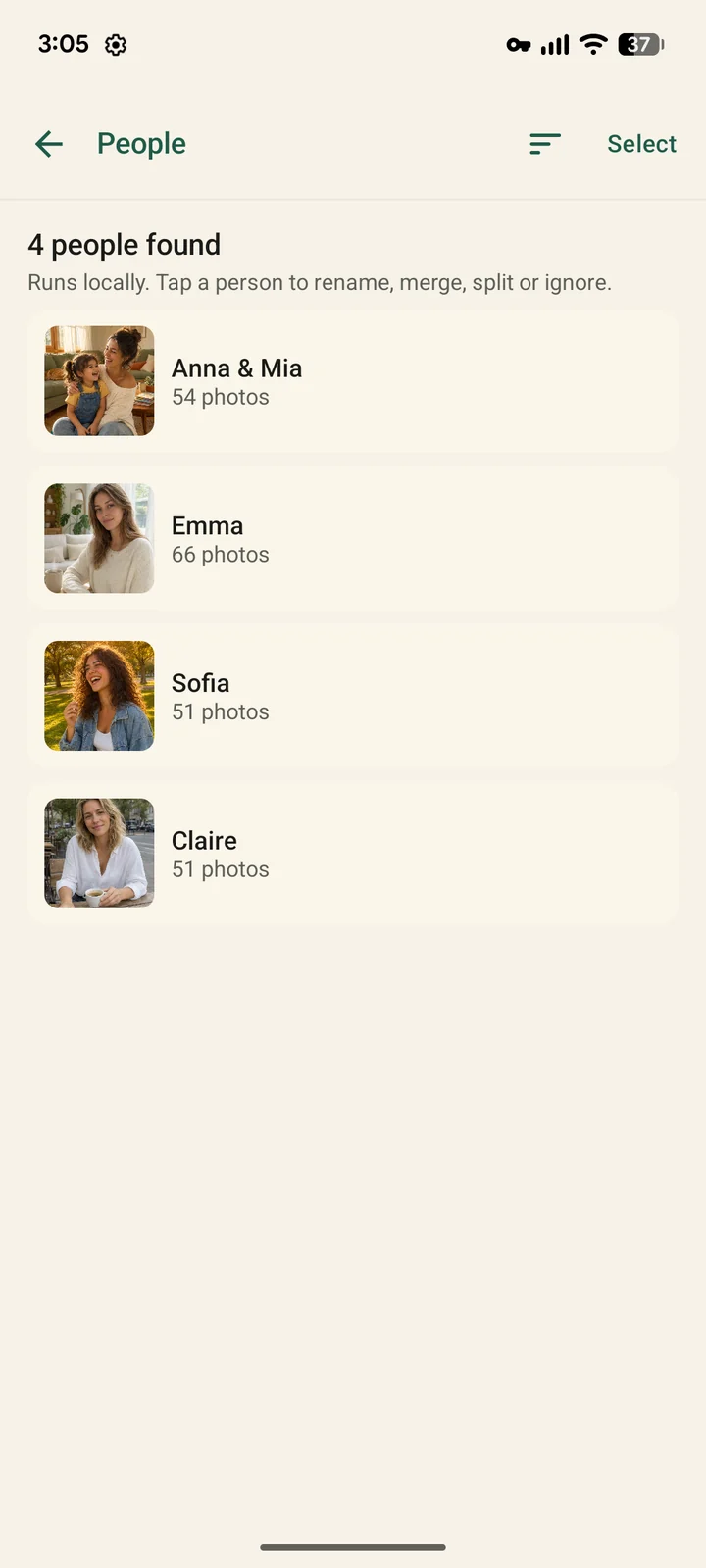
Days worth revisiting, and the faces that show up most — played back like a slideshow.
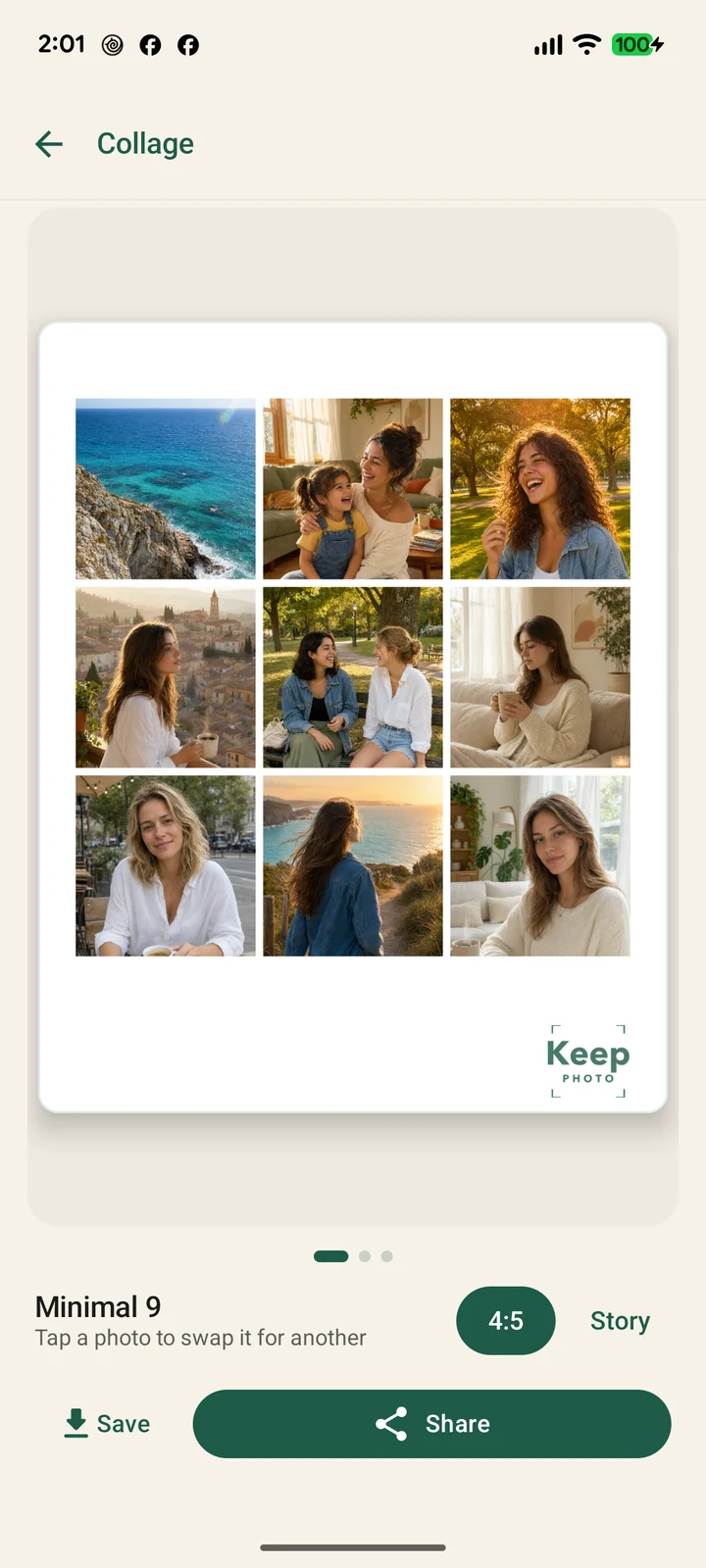
Nine photos into one card, three layouts, straight to your story. No watermark.
What it won't do
Things a third-party app on modern Android simply cannot do — so we don't pretend.
RAM is managed by Android. A third-party app that says it cleaned your memory is guessing at best.
That isn't possible on modern Android. Apps claiming it are showing you a fake progress bar.
There is no sign-up, no sync, no server holding your library. Deleting the app leaves nothing behind.
Private by design
Scanning, face grouping and compression all run on-device. There is no upload step to opt out of, because there is no upload.
Questions
No. The app has no server for media, no account and no cloud sync. Everything — scanning, duplicate detection, face grouping, compression — happens on your phone. The only network traffic is ads (free plan) and anonymous product analytics.
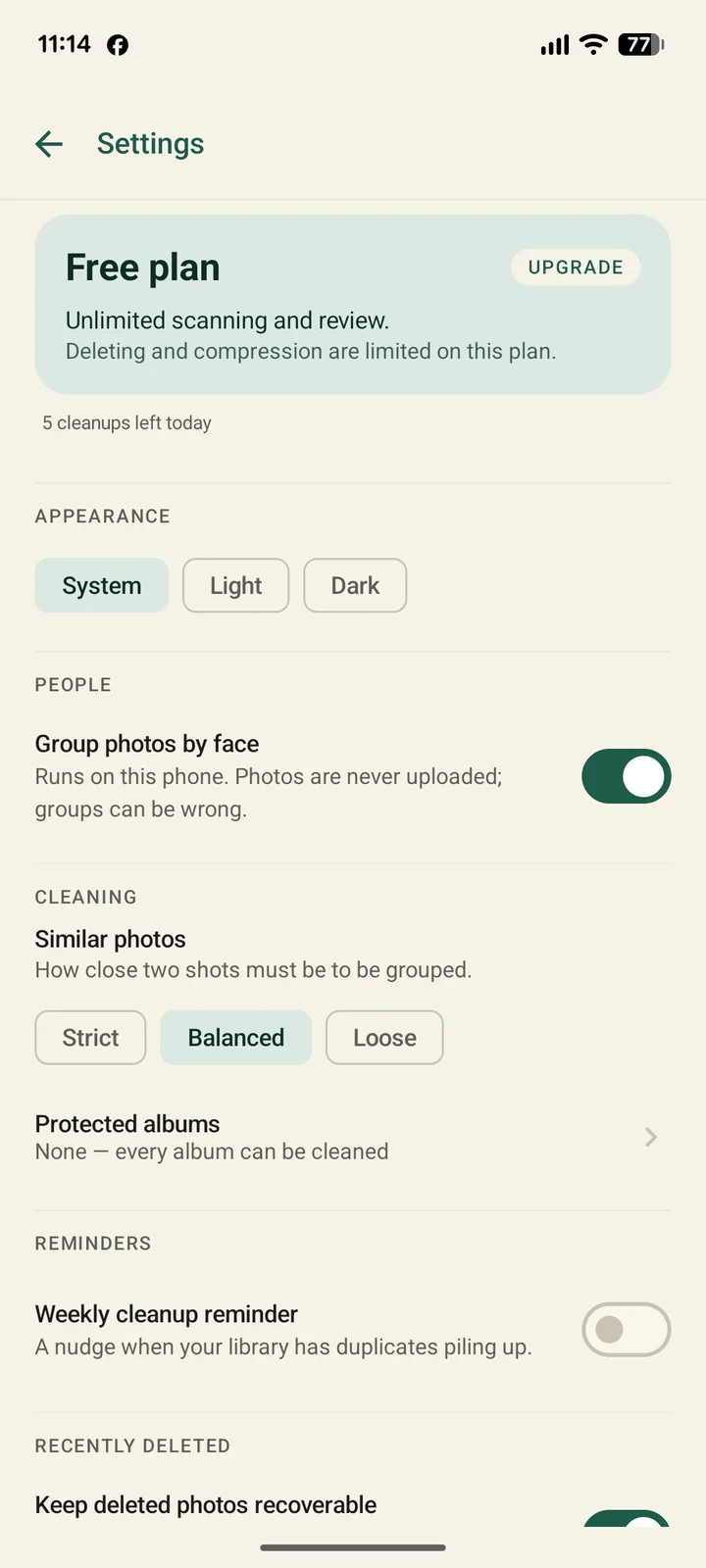
Yes. The free plan scans and reviews everything, with a daily limit on deletions. Pro removes that limit and unlocks video compression and HEIC conversion. Ads are shown on the free plan and can be removed with Pro.
Every deletion goes through Android's own confirmation dialog, and on Android 11 and up the photos wait in the system trash for 30 days before they're gone. Swipes inside the app can be undone as you review.
That's the target. The first scan takes a minute or two; after that the app keeps an index, so the next scan is near-instant. Nothing is re-decoded unless it changed.
No — and neither can any other third-party app on modern Android. We only claim what we actually do: find photos you won't miss, and compress the rest.
Free on Google Play · Android 9 and up · Nothing to sign up for.
Get Keep PhotoGuides
Straight answers about Android storage and photo cleanup — written to be useful whether or not you use our app.
Seven steps ordered by how much they actually recover — and why clearing the cache is the least useful one.
Android guideThe six real causes, how to read Android's storage screen, and the five-minute diagnostic.
Android guideWhere they live, how to clear thousands in one pass, and how to keep the pile from rebuilding.
ComparisonCriteria first, including the cases where the built-in tools beat every app — ours included.